
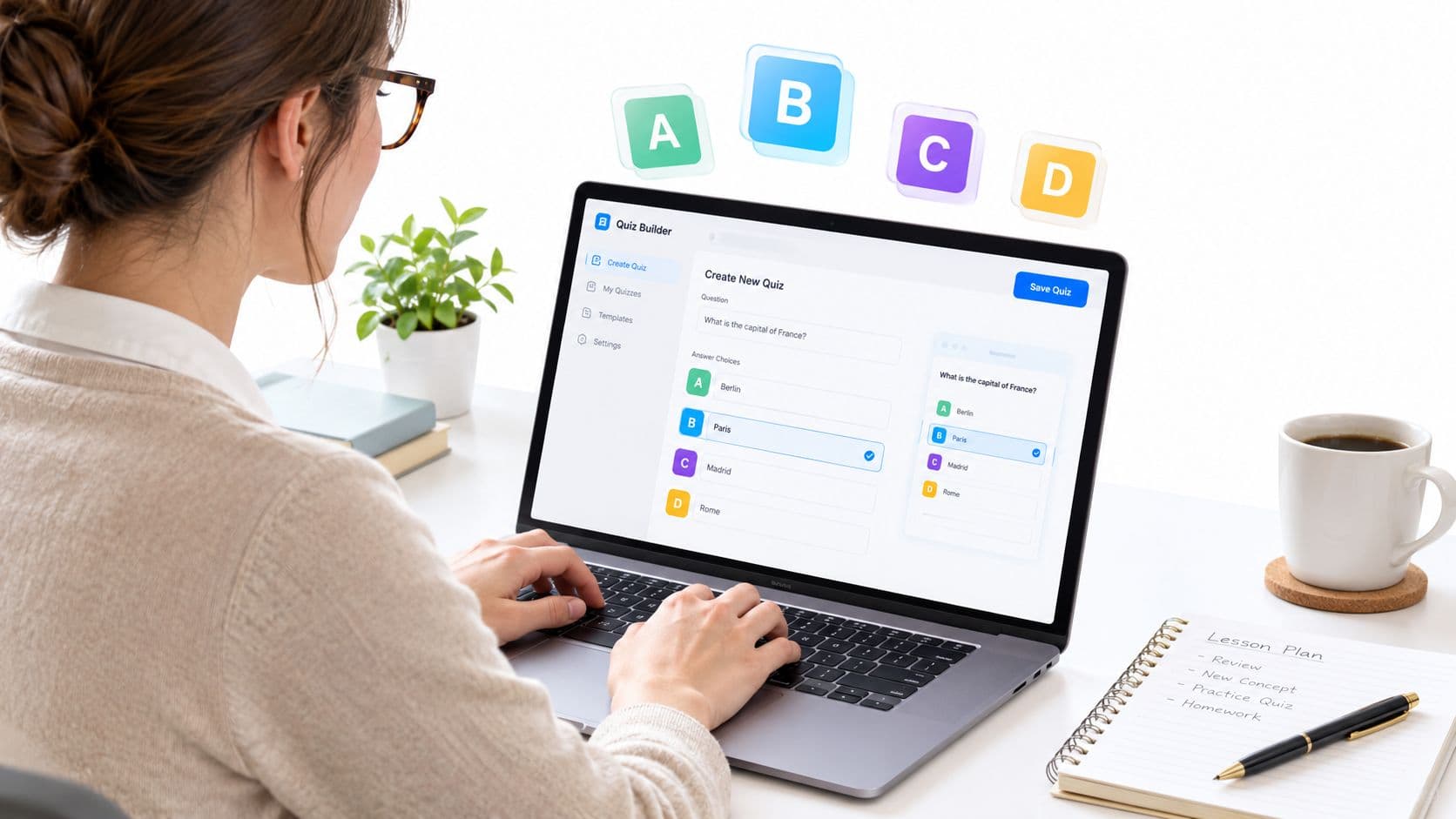
Your prep period is almost over, and tomorrow's science lesson still needs a quick knowledge check. The fastest reliable path is to start with the learning objective, draft focused questions, check the key and distractors, then save, copy, download, or print an editable draft for review.
That approach fits the broader move toward digital assessment. The OECD's 2023 Digital Education Outlook examined 29 countries and jurisdictions and found that 18 administered system-level standardized student evaluations fully or partly online. Online tools make revision, question reuse, and rapid distribution easier, but they don't make a weak item valid.
A Faster Way to Plan Multiple Choice Quizzes Online
Start with the learning goal, not the answer choices. Write one objective, decide which idea or skill deserves a question, draft the stem, and only then build the options. That's the simplest answer to how to create multiple choice quizzes online without turning a prep-period task into a guess-and-check exercise.
Teacher Planner publishes a browser-based planbook and preparation tools, including a Multiple Choice Quiz Generator. The quiz generator produces an editable draft from a topic, objective, or standard, but it isn't an LMS, gradebook, student submission system, or automatic grader. You still need to review the draft and decide how it will be used in class.
Practical rule: treat generated quiz items as a first draft, not as assessment-ready content.
A fast workflow looks like this:
- Define the objective. Write the learning goal in measurable language.
- Draft the item. Use a focused stem with one correct answer and plausible distractors.
- Check the logic. Make sure the key is defensible and the wrong answers reflect real misconceptions.
- Prepare the final version. Save the resource, copy the text, download it, or print it for classroom use.
This is also where general study-support resources can be useful. For example, Ivory Mind exam help can remind students that strong test prep starts with understanding what a question is measuring, not just spotting a familiar phrase.
Teacher Planner's AI tools are available across account tiers within generation limits. The product supports planning and material preparation, not student submissions, LMS delivery, or automatic grading. If you need those functions, you'll need a separate classroom or assessment system.
Start From Your Learning Objective and Quiz Blueprint
A quiz should prove something specific, not just collect random questions. Before you draft, write the objective, list the concepts tied to it, and decide which parts of the lesson need evidence. That small blueprint keeps the quiz aligned to what you taught.

Build the blueprint before you write the items
Use a simple planning note with five fields:
- Objective: What should students demonstrate?
- Content: Which lesson idea or standard does the item represent?
- Action: Should students identify, explain, compare, apply, or interpret?
- Evidence: What response would show the objective was met?
- Review note: What misconception might show up in a wrong answer?
The Institute of Education Sciences recommends designing questions from the learning objective first. Its example uses the objective “explain how evaporation changes water” and asks, “Which change describes evaporation?” The correct choice is “Liquid water becomes water vapor,” while the other options represent different state changes. You can review the IES guidance on using technology to support learning for the alignment principle behind that approach.
For younger learners, shorten the stem, reduce reading load, and keep the wording familiar. For older students, keep the same objective but use a scenario that asks them to apply the idea rather than repeat a definition. The objective stays the same, while the language and cognitive demand change.
Keep the draft easy to revise
Digital creation is useful because you can reorder questions, build reusable item banks, and revise wording without reprinting every version. Still, convenience shouldn't decide what belongs in the quiz. Sort the draft by objective or standard, then ask whether each target has enough evidence and whether any item is testing a different skill by mistake.
A good blueprint also makes editing quicker. If a question has no clear objective, no defensible key, or no useful misconception behind the distractors, cut it before you spend time on formatting.
Draft Questions Keys and Distractors That Actually Work
Once the blueprint is clear, write the stem so students know exactly what they're being asked. Put the problem in the stem instead of hiding it in the answer choices. Then create one unambiguously correct answer and distractors based on mistakes students might make.
Guidance from the University of Connecticut on effective multiple-choice questions reports that students perform just as well with three options as with four or five when the alternatives are credible. A longer list of choices doesn't automatically make a question stronger. Weak options just give students clues.

A practical drafting routine
In a quiz generator, enter the topic, grade, and objective. Ask for questions that match the lesson, not broad trivia. If you use Teacher Planner's Multiple Choice Quiz Generator, review the generated draft in the tool, then use the available save, copy, text download, or print options after editing it.
For every question, check these features:
- Focused stem: Students should understand the task without reading every option first.
- Single key: One answer must be defensibly correct according to the lesson or another authoritative source.
- Plausible distractors: Wrong answers should reflect misconceptions, reversals, or nearby concepts.
- Balanced options: Avoid making the key noticeably longer, more specific, or grammatically different.
- Neutral order: Randomize answer positions when the tool or paper version allows it.
For enrichment or warm-up writing, a set of fun trivia questions can help you notice how different option styles behave. Classroom assessment still needs a stricter standard, though. Something entertaining isn't automatically aligned to the skill you taught.
Adapt the same item for the class in front of you
Suppose the objective is to explain evaporation. An elementary version might use a direct question and familiar words. A middle school version could show a puddle disappearing and ask students to identify the process. A high school version might ask students to apply particle reasoning to a change in temperature or surface exposure.
The item should become more demanding because the thinking changes, not because the sentence gets longer. For a deeper review of stem construction, keys, and distractors, see this guide to multiple-choice question design.
A Worked Science Example You Can Copy and Adapt
The pattern below keeps each item tied to one objective while making the distractors useful for diagnosis. The examples use four options because that matches the classroom format here, but the quality of the alternatives matters more than the count.
Objective: Explain how evaporation changes water.
| Item stem and options | Key and why distractors work |
|---|---|
| Item 1: Which change describes evaporation? A. Liquid water becomes water vapor. B. Water vapor becomes liquid water. C. Ice becomes liquid water. D. Liquid water becomes ice. | Key: A. B describes condensation, C describes melting, and D describes freezing. Each distractor names a real change of state, so students must distinguish the processes rather than eliminate a silly answer. |
| Item 2: A shallow puddle disappears after sunlight warms the ground. What happened to most of the water? A. It changed into water vapor and entered the air. B. It changed into ice beneath the ground. C. It became a new solid on the pavement. D. It moved into the pavement without changing form. | Key: A. B reverses the temperature relationship, C invents a visible solid product, and D treats disappearance as movement only. The scenario asks students to apply the objective to an observation. |
Use the template behind the examples
Copy this structure into your planning notes:
- Objective: One measurable learning goal.
- Stem: One clear question or scenario.
- Options: Four parallel choices.
- Key: One answer supported by the lesson.
- Distractor rationale: The misconception represented by each wrong answer.
- Adaptation note: Reading, vocabulary, representation, or challenge changes for this class.
For elementary students, replace “water vapor” with language already used in instruction, or pair the question with a diagram that has an equivalent text description. For older learners, keep the same objective but ask them to reason from a scenario, compare conditions, or explain why one process fits.
Keep quiz printing separate from planbook printing. A planbook's day, week, month, or outline templates organize teaching plans, while the quiz tool's own print action prepares the generated resource. If you want more subject-specific examples, this guide to multiple-choice questions in science can help you extend the same objective-first pattern.
Validate and Fix AI Drafts Before You Print or Assign
AI can save drafting time, but it can also produce a polished question with a wrong key, two defensible answers, or distractors that no student would choose. A 2025 review of AI in educational measurement warns that AI may create items with superficial validity while lacking the depth and reliability needed for effective assessment. The review is available in this analysis of AI in educational measurement.

Use a human review checklist
Read each item as if you were a student who wants to answer correctly but doesn't know what the writer intended.
- Verify the key: Check the answer against your textbook, lesson materials, or another authoritative source.
- Test uniqueness: Ask whether another option could be defended under a reasonable interpretation.
- Remove accidental clues: Look for differences in option length, grammar, punctuation, or technical detail.
- Inspect the distractors: Replace obviously false answers with common misconceptions or nearby concepts.
- Check the cognitive level: Confirm that the item asks students to perform the action in the objective.
- Review language and bias: Remove unnecessary cultural references, idioms, complex syntax, or assumptions unrelated to the content.
- Read negative wording twice: Rewrite “Which is not...” questions positively when possible, and make unavoidable negatives highly visible.
AI deserves extra caution for specialized content, multilingual learners, and recently changed facts. It can also struggle when a subject allows more than one answer depending on a definition, context, or convention. In those cases, teacher judgment isn't a formality. It's what protects the validity of the quiz.
Pilot items through response patterns
After students respond, inspect item-level results instead of looking only at total scores. A question answered correctly by almost everyone may be too easy, while one missed by nearly everyone may be too difficult, ambiguous, or poorly taught. One assessment guide identifies an ideal item as one answered correctly by roughly 60 to 65% of the tested population, which can serve as a practical review signal rather than a rigid rule.
A question that produces an unexpected pattern needs investigation. Perhaps the key is wrong, the stem contains an unfamiliar phrase, or a distractor looks more reasonable than the answer. For practical document preparation, even general accessible PDF form tips for HR can reinforce useful habits such as clear labels, readable controls, and careful review, though classroom assessment still needs subject-specific accessibility checks.
Teacher Planner doesn't provide student submissions or automatic grading. If you use its generator, validate the draft yourself, then save, copy, download, or print the reviewed material for your separate classroom workflow.
Make Your Quiz Fair Accessible and Ready to Reuse
Accessibility begins before publishing. CAST describes accessible assessment through the POUR qualities, meaning content should be perceivable, operable, understandable, and thorough. Its accessibility guidance for assessment emphasizes checking whether students can enter the content, respond to it, and encounter unbiased material.
Use a final access check:
- Perceivable: Provide readable text, sufficient contrast, and text alternatives for diagrams, images, tables, or media.
- Operable: Make every question and answer reachable with a keyboard and ensure controls announce their labels correctly.
- Understandable: Use concise directions, plain grade-appropriate language, and consistent option formatting.
- Solid: Test the quiz with the assistive technology and device types students use when possible.
Don't use color as the only way to distinguish an answer. If a diagram is part of the question, provide an equivalent text description or another way to demonstrate the same knowledge. Decide accommodations in advance so language support or response changes preserve the learning objective instead of testing a different skill.
Short quizzes also work well as retrieval practice, not only as end-of-unit tests. The Institute of Education Sciences recommends closed-book quizzes after instruction so students can check what they remember, then revisit missed ideas. Group follow-up by concept, such as evaporation, condensation, or state changes, rather than treating the total score as the only useful result.
A reviewed online quiz can become a reusable resource for a later class, a printed practice sheet, or a quick post-lesson check. Keep the objective and distractor rationale with the draft so future edits don't erase the thinking behind each option.
Teacher Planner provides a browser-based planbook and editable AI tools for lesson plans, worksheets, quizzes, adapted texts, and writing feedback. Use the Teacher Planner Multiple Choice Quiz Generator to draft questions, review every key and distractor, then save or print the version you trust.