
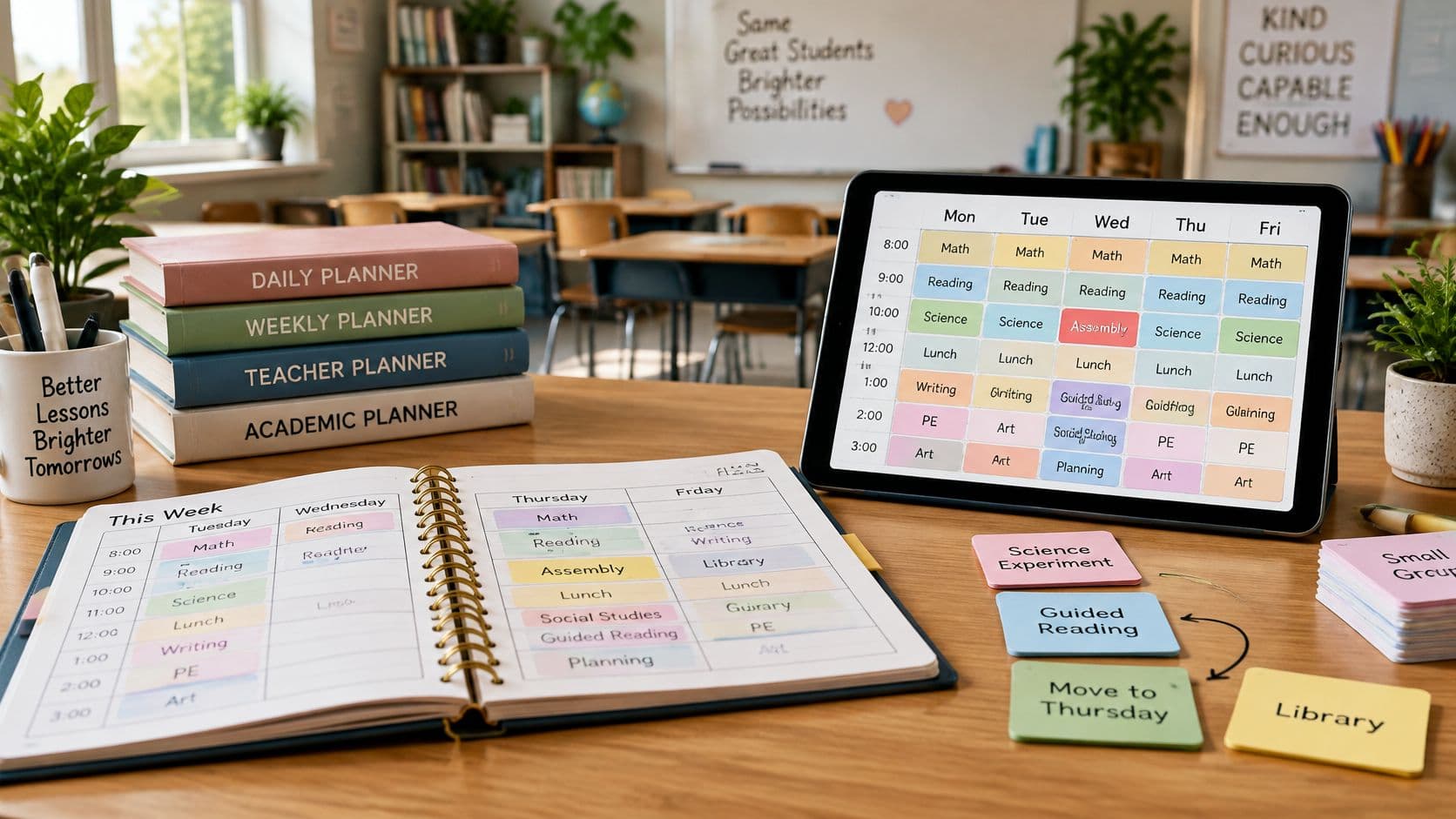
A school assembly has removed two lessons from your timetable. Which planner will help you recover the sequence without losing track of the unit? This article is for K-12 teachers considering replacements for Common Planner, the lesson-planning software formerly called Common Curriculum. It is not about Sterling Ink's paper Common Planner. The choices below are software planbooks; paper planners appear only in an optional-reading section.
Disclosure: Teacher Planner publishes this article and is one of the options compared. The comparison is organized by planning task, not by an independently tested or objective "best" ranking. Vendor prices were checked November 2, 2026; they are not guaranteed 2027 prices.
Start with what Common Planner already does
Common Planner is a useful baseline, not a planner with missing features to assume away. Its teacher information describes unit and lesson planning, standards linking, dragging and bumping lessons, collaboration, and AI-assisted drafting. Its tier details distinguish a free Basic plan from paid offerings. Before switching, check which of your current workflows and entitlements you actually use.
Write down what a replacement must preserve: lesson sequencing after schedule changes, standards linking or tracking, collaboration, AI drafting, and printing or export. Check each requirement separately. A calendar that handles lesson movement may not have the same collaboration workflow, and a printable planbook may not provide the export format your school needs.
Three software options, compared by task
| Option | Suitable task | Verified price or tier | Practical tradeoff to check |
|---|---|---|---|
| Teacher Planner | Planning across day, week, month, and unit views; shifting a lesson sequence; drafting materials for teacher review | Free: one planbook and Minimal printing. Pro: $9.90/month or $59.90/year, with a 7-day trial. Lifetime: $299 one-time. AI generation limits apply. | Reviewed photo/PDF import handles fixed weekly timetables, not A/B rotations or whole-school timetables. |
| Planbook | Lesson scheduling with weekly, biweekly, cycle, or alternating schedules, lesson moves, and standards | Teacher plan: $20/year; 90-day trial | Supports team sharing and custom lesson layouts alongside cycle scheduling; compare that setup with your teaching team. |
| PlanbookEdu | Free weekly planning with A/B rotations | Premium: $30/year for attachments, standards, sharing/collaboration, and Word/PDF exports, as listed on its homepage. | A simpler weekly/A/B workflow than Planbook's cycle and layout options; confirm printing versus file export before purchase. |
Teacher Planner: timetable import and unit-sequence views
Teacher Planner is a browser-based planbook with Day, Week, Month, Unit Timeline, and Outline views. Teachers can import a fixed weekly timetable from a photo or PDF, review the detected classes, days, and times, and save it. That import is not designed for A/B rotations or whole-school timetables. Bump Forward moves affected lessons while preserving the order of subsequent lessons; it should not be confused with every edit automatically shifting the rest of a schedule.
Its AI tools produce editable drafts that teachers review for accuracy and suitability. AI generation limits apply on every tier, including Free. Free includes one planbook and basic Day, Week, and Month printing with the Minimal template. Pro costs $9.90 monthly or $59.90 yearly, has a 7-day trial, and adds unlimited planbooks, Standards Tracker, and advanced print settings and templates. Lifetime costs $299 once for the same premium planning features. Teacher Planner supports browser printing and saving a PDF. Its fixed-weekly timetable import is not a match for an A/B rotation; use the Unit Timeline and Outline views to assess whether its lesson-sequence workflow fits your teaching week. For more context, see the Planbook alternatives comparison and the digital versus paper teacher planners guide.
Planbook: varied schedule patterns
Planbook's teacher page describes weekly, biweekly, cycle, and alternating schedules, along with lesson moves, standards, team sharing, and custom lesson layouts. Its listed individual teacher price is $20 per year, with a 90-day trial. For a school on a cycle or a team that shares plans, test its scheduling pattern and layout controls against a real teaching week.
PlanbookEdu: A/B rotations and a free planbook tier
PlanbookEdu offers Free weekly planning and A/B rotations. Its homepage lists $30/year Premium with attachments, standards, sharing/collaboration, and Word/PDF exports. Its printing guidance says both tiers can write and print, while the homepage groups print and export under Premium. Distinguish browser printing from Word/PDF file export before purchase; these descriptions do not settle every tier detail. Its simpler weekly/A/B workflow may suit teachers who do not need Planbook's cycle and layout controls.
Try a disrupted-week workflow before switching
Start with the unfinished lesson, not an assumed replacement date. In the planner you are testing, use its actual move, bump, or rotation controls to place the affected lessons and check that their sequence still makes sense. Then review the revised dates against the assessment and materials. If you use AI to draft replacement resources, check the content, answers, and suitability yourself before teaching; a draft is not a reviewed lesson.
The OECD TALIS 2024 report reports an average of 7 hours per week preparing lessons among surveyed teachers. That is workload background, not evidence that any planner saves seven hours. A study of classroom interruptions in a Providence district provides context for disrupted instruction, not evidence of a planner's effectiveness or a reason to trust AI output without review. For optional curriculum-planning background, consult the U.S. Department of Education's Curriculum Development Toolkit.
Paper planners and other optional reading
These are paper products and adjacent reading, not software replacements or evidence for the comparison above. For handwritten scheduling, explore the Hobonichi Techo range or TAKE A NOTE's dated planners. The LEUCHTTURM1917 planner collection includes weekly planner-and-notebook, academic-week, monthly-with-notebook, daily, quarterly-daily, and simple week-planner formats; choose by the amount of writing space you want, not by software features.

For an optional homeschool paper product, see Mr. Pen's homeschool planner with sticky tabs. Student productivity apps are student-focused reading, while leather notebooks beyond Paper Republic are notebook reading. Teachers who prefer a loose weekly sheet can also consult this printable weekly teacher planner guide.
Choose by the workflow you cannot afford to lose
Test one real week and one disrupted week with your current planbook as a reference. If a rotating schedule is essential, compare the schedule controls first. If unit order, standards, collaboration, AI drafts, or exports are essential, verify each against the tier you would actually use. This is a comparison of fit, not a claim that Common Planner lacks those tools.
If Teacher Planner's fixed-weekly timetable and lesson-sequence workflow match your needs, try its free plan with one planbook before deciding whether to switch.