

You need a vocabulary quiz by tomorrow morning, but “quiz” can mean several different things. You might need a clean handout for absent students, a fast live review game, an auto-graded assignment, or a differentiated check that shows which words each learner still confuses. The best multiple choice vocabulary quiz maker depends less on the number of templates than on the job it must perform in your classroom.
This comparison looks at question drafting, live review, independent work, printable output, reporting, mastery tracking, editing control, and low-bandwidth access. Each tool has a useful place, but none removes the need for teacher judgment. Generated questions still need review for definition accuracy, context, reading level, answer uniqueness, and distractor quality. That last point matters especially because research on AI-generated multiple-choice questions finds that polished-looking items can still contain more item-writing flaws than human-written questions, so human review remains essential (Frontiers research on AI-generated MCQs).
1. Multiple Choice Quiz | Teacher Planner
Teacher Planner is the strongest choice when the classroom job is turning a vocabulary objective into an editable quiz and printable answer key without leaving your planning workflow. Its Multiple Choice Quiz Generator creates a draft based on a topic or standard, with controls for grade level, question count, and number of answer options. That makes it practical for bell-ringers, formative checks, emergency sub plans, and a short end-of-lesson assessment.
The important distinction is what happens after generation. You can save the result to Teacher Planner resources, copy or download the text, and print it through the planner's templates. The answer key is created with the quiz, so you're not manually matching correct answers after editing the questions. The tool is free to try after sign-in, without a credit card, although usage limits may make a paid plan more suitable for heavier preparation.
Best classroom job: Draft a paper-ready vocabulary quiz that fits directly into a lesson plan.
Where it saves time
The generator is most useful when you already know the words and need a workable first draft quickly. A teacher can specify a class level, choose the quiz length, review the wording, replace weak options, and place the finished material alongside the lesson or unit sequence. The planning connection also makes it easier to prepare recurring checks rather than treating each quiz as an isolated document.
That workflow reflects a wider shift toward browser-based assessment tools. The global assessment software market was estimated at USD 310.22 million in 2025 and is projected to reach USD 524.84 million by 2035, while cloud-based tools represented more than 56% of deployments and LMS integration was rising by nearly 44%, according to Global Growth Insights' assessment software market report. For a teacher, the practical lesson is simple: embedded preparation and delivery matter more than a standalone generator.
The trade-off
Teacher Planner focuses on planning and material creation, not submissions, gradebooks, or student analytics. It only generates multiple-choice items, so you'll need another tool or manual editing for short answers, matching, or performance tasks. Heavy users may also outgrow the free usage limits.
Use it when your priority is fast, editable drafts and reliable printing. Choose something else when you need students to submit digitally and you want automatic results tracking inside the same platform.
Multiple Choice Quiz Generator
2. Quizlet
Quizlet is a natural fit when the job is converting an existing vocabulary study set into practice and test modes. You start with word-definition pairs, either by creating your own set or adapting one from the large community library. From there, Quizlet can generate multiple-choice practice alongside other formats, including true/false and written responses.
That makes it especially useful before a formal assessment. Students can study the terms as flashcards, test recognition, and revisit missed words without you creating separate materials for every stage. Teachers can also author multiple-choice content directly in a set where the relevant Quizlet features are available.
Best use in a vocabulary workflow
Quizlet works well for independent practice and homework, particularly when learners need repeated exposure to the same words. Timer settings and exam-style practice can add urgency, but they shouldn't replace careful review of whether students understand a word in context. A definition-only question may confirm recognition without showing whether the learner can use the word accurately in a sentence.
Teacher-facing features and progress tracking depend on the current plan and account type. Verified teachers can access Quizlet Plus without the usual cost barrier, but feature availability can change, so check the current Quizlet teacher and study-set options before building a department-wide routine.
A flashcard set is a useful source, not automatically a good assessment. Check every generated option before assigning it.
Quizlet's main weakness is control. Community sets vary in accuracy, definitions may not match your curriculum, and some authoring features require Plus. It's also less suitable when you need a polished printable handout or a tightly sequenced lesson-plan resource. For practice and review, though, it remains one of the quickest ways to move from a vocabulary list to student activity.
For a printable draft that stays with your lesson materials, you can pair the set with Teacher Planner's quiz generator, then edit the wording before distribution.
3. Kahoot!
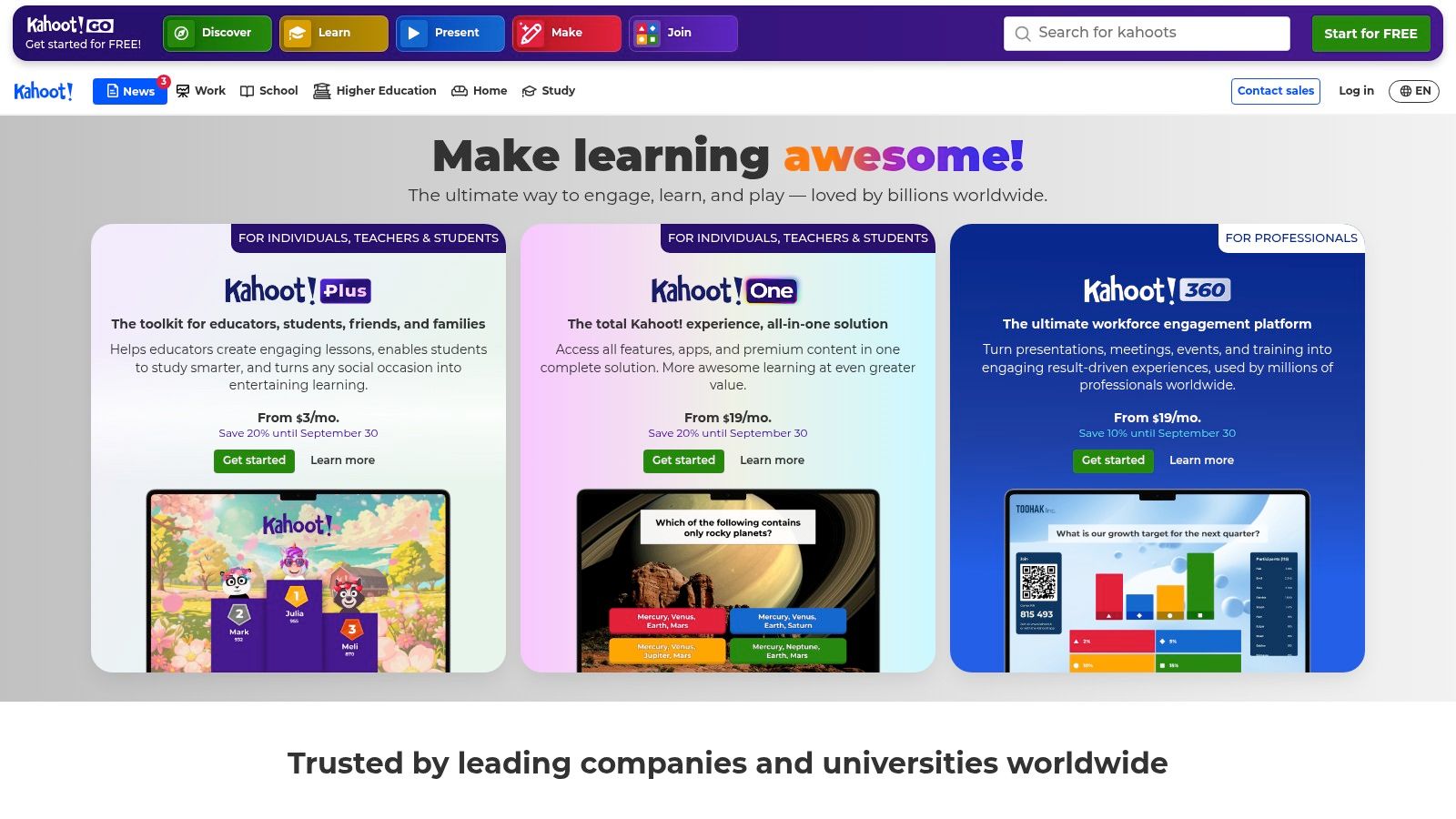
Kahoot! performs one classroom job better than most competitors: energizing a live vocabulary review. Its classic multiple-choice format is built for a teacher-led session in which students respond from their own devices, see immediate results, and discuss why an answer is correct. That rhythm works well for retrieval at the start of class, a quick recap before reading, or a whole-group review before an assessment.
The platform also supports true/false, sliders, puzzles, and other formats. Its AI question generator can draft quizzes from topics, webpages, or PDFs, which is useful when you want to turn a lesson resource into a first-pass review game rather than write every item manually.
Live review versus assessment
Kahoot! is strongest when pace and participation matter. The competitive presentation can encourage students to retrieve words they've recently learned, and the teacher can pause to explain a misleading distractor or connect a word to a sentence. It's less convincing as the only evidence of mastery because speed, game pressure, and public score visibility can affect performance.
Live play and self-paced assignments are both available, but advanced question types and AI functions may require paid plans. Pricing and plan details vary by region and institution, so review the current Kahoot! plans and classroom features before committing.
The platform also depends on a workable device and network experience. Kahoot! publishes broad device and accessibility information, which helps schools check compatibility, but teachers should still run a short test with the actual classroom setup.
Use Kahoot! for high-energy recognition and discussion, not as a replacement for a quiet, carefully edited quiz. A strong sequence might begin with a live round, continue with a written context question, and finish with a brief student explanation of one unfamiliar term.
4. Quizizz
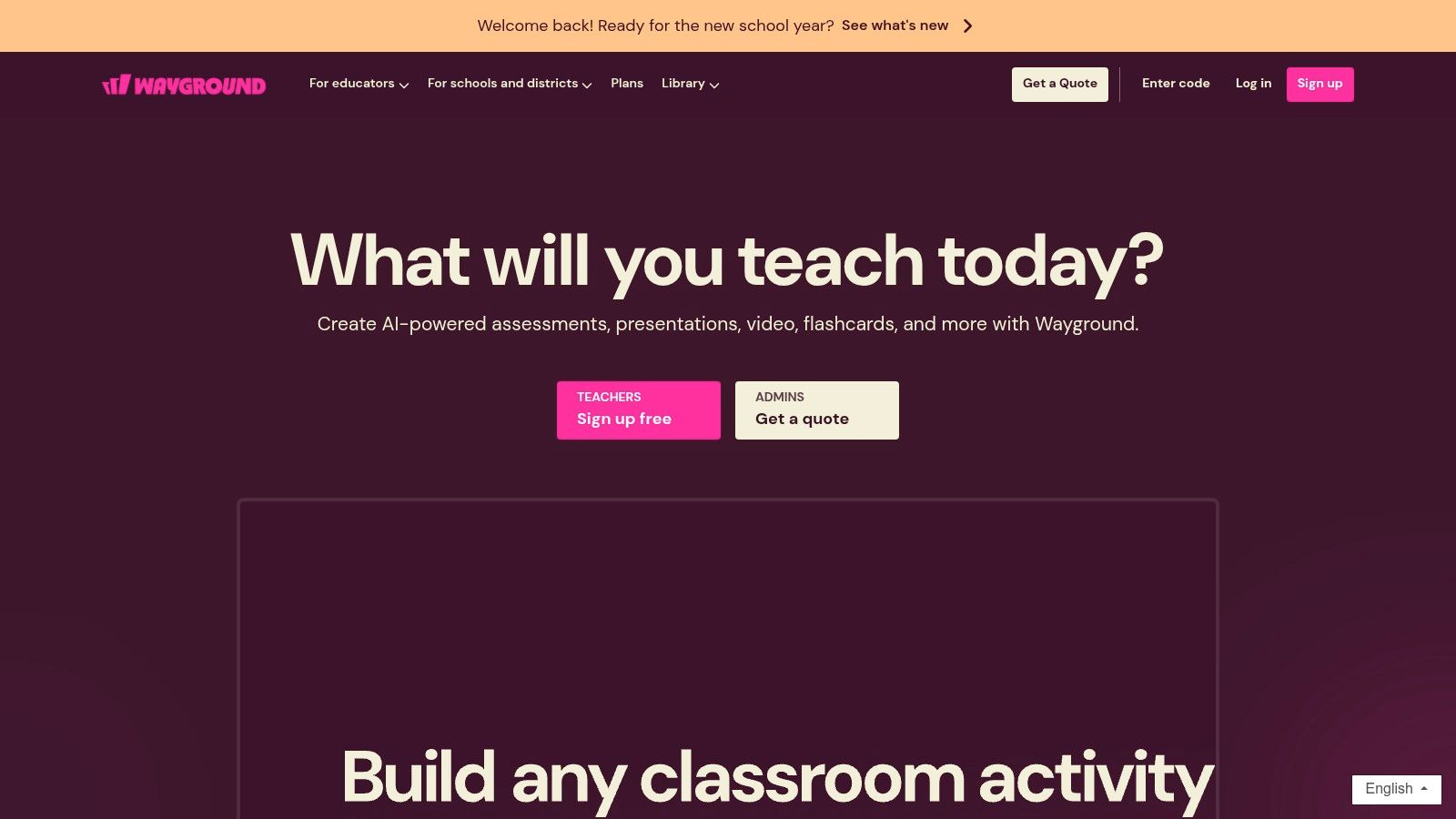
Quizizz is the more flexible choice when the same vocabulary quiz needs to work live, asynchronously, in teams, or on paper. Teachers can use instructor-paced sessions for group review, student-paced assignments for homework, and Paper Mode when students have limited access to individual devices. That range makes it practical for mixed classroom conditions.
Its question bank and templates also reduce authoring time. You can adapt community questions, import or remix existing material, and add rich media to prompts. For vocabulary, an image can help assess a concrete noun, while a sentence or short passage can test meaning in context instead of isolated recall.
Where Quizizz fits
Quizizz works particularly well for independent work with flexible pacing. Students who need more processing time aren't forced to keep up with the fastest respondent, and the teacher can assign the same content for home review. Team modes provide a social alternative without requiring the full live-game format of Kahoot!.
The drawback is that the public question library can save time only if you inspect it closely. A community item may use a definition that differs from your course, contain a giveaway answer, or test spelling instead of meaning. Premium question types and other features may be restricted to paid tiers, and individual pricing visibility can vary by region. Check the current Quizizz classroom platform for the plan details that apply to your school.
Paper Mode is a practical advantage, but it doesn't turn the platform into a full paper-assessment system. If you need a carefully formatted worksheet and answer key, a planning-focused generator may be easier. Choose Quizizz when delivery flexibility and student pacing matter more than document design.
5. Wordwall
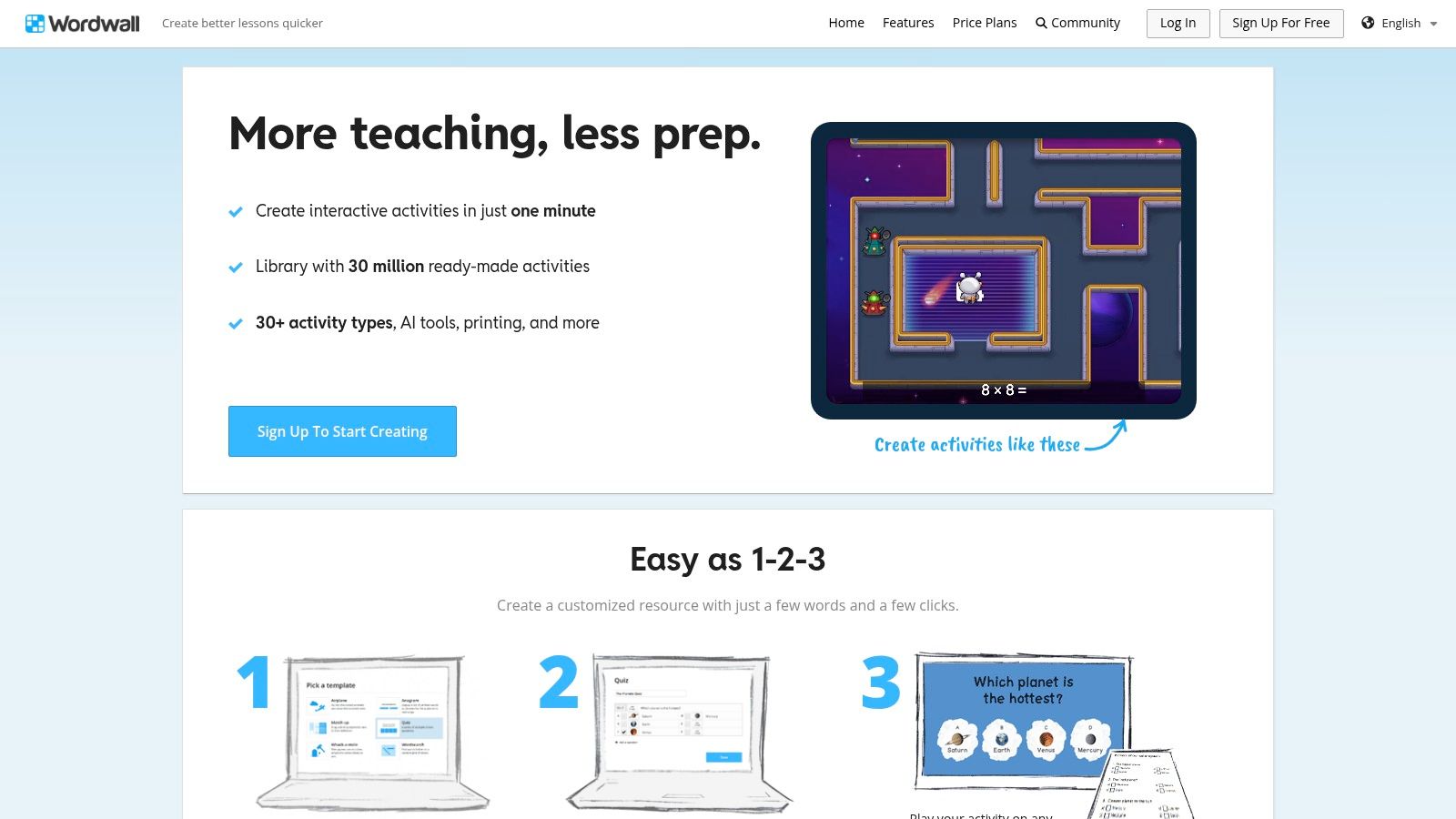
Wordwall is built for teachers who want to turn a vocabulary list into an activity quickly, then reuse it in several formats. Its Quiz template creates straightforward multiple-choice activities from word and definition pairs. The same material can also be adapted into interactive games or printable resources, which helps when one class needs screen-based practice and another needs paper.
The public activity library is a major part of the experience. Searching for a word set can produce a useful starting point, but adaptation is still necessary. Publicly shared content may not match your definitions, age group, spelling conventions, or intended difficulty.
A useful authoring shortcut
Wordwall's conversion across templates means you can start with a quiz and create a different practice format without rebuilding the vocabulary content. That makes it suitable for review cycles, such as a recognition quiz followed by matching or a timed recall activity. Its AI-assisted question generation and material analysis can speed up the first draft, but teachers should treat those outputs as editable suggestions.
Distractor test: If students can eliminate an option because it is much longer, grammatically different, or obviously unrelated, the item is measuring test-taking strategy more than vocabulary.
The free plan limits the number of activities, and Wordwall provides less granular analytics than a dedicated assessment suite. It's a strong fit for fast teacher-made activities and printable practice, not for detailed longitudinal mastery reporting. For teachers who also need worksheets connected to a lesson sequence, Teacher Planner's worksheet generator can complement Wordwall's activity conversion.
Visit Wordwall when adaptability and speed are the priorities. Avoid relying on its public library without checking every definition and distractor.
6. Google Forms
Google Forms is the practical option for simple, auto-graded vocabulary checks that fit an existing Google Workspace workflow. In quiz mode, teachers can assign correct answers and points for multiple-choice, checkbox, and dropdown questions. Responses can be reviewed in Forms, exported to Google Sheets, and connected to Google Classroom routines.
The interface is plain, which is an advantage when students need a quiet assessment rather than a game. You can add feedback, configure response settings, and share a link without asking learners to adopt a new platform. For a short independent check, that low friction often matters more than visual polish.
What it does well
Google Forms gives teachers direct control over every item. You can write a sentence stem, select the answer key, attach an explanation, and send the result into a spreadsheet for sorting. Where available, Gemini assistance can help draft a quiz from a prompt, but access depends on the school's Workspace rollout and licensing.
The limitation is that Forms doesn't offer the same activity variety or engagement features as Kahoot!, Quizizz, or Wordwall. It also won't automatically solve weak question design. If you ask for a dictionary definition with four unrelated options, the spreadsheet will report the score accurately while the assessment remains weak pedagogically.
Use Forms for quick grading, exports, and familiar school infrastructure. It's less suitable for printable design, game-based review, or advanced mastery pathways. Teachers who plan in Teacher Planner can use the lesson plan generator to draft the instructional context first, then build a focused Forms quiz from the lesson objective.
Create and manage quizzes through Google Forms, but review the response settings and answer feedback before sharing the link.
7. Microsoft Forms
Microsoft Forms is the closest equivalent for schools working inside Microsoft 365, especially when quiz results need to move into Excel or Power BI. Teachers can create choice questions, use automatic scoring for supported formats, and apply branching so that a learner's path changes according to an answer. That can be useful for vocabulary intervention, such as sending a student who misses a term to a simpler explanation or follow-up prompt.
The platform supports more than multiple choice, including text, ranking, and Likert questions. For a vocabulary assessment, that allows a teacher to combine recognition items with a short response or confidence rating, although the multiple-choice portion remains the easiest to score automatically.
Reporting and constraints
Microsoft Forms is a sensible choice for structured digital assessment and data export. Schools already using Microsoft accounts may avoid the login and sharing friction associated with a separate quiz platform. Results can flow into Excel, and Power BI can support broader reporting workflows for teams that already use it.
Copilot can help draft quizzes for users with the required Copilot license. That assistance is useful for creating a starting set, but generated stems and distractors still need review for curriculum alignment and age appropriateness. Copilot features are not a universal part of Forms, so confirm the account permissions before planning around them.
The main trade-off is engagement. Microsoft Forms feels like a form, not a live review game, and its interface doesn't provide the same motivational energy as Kahoot! or Quizizz. Use Microsoft Forms when integration, branching, and structured reporting matter most.
For a vocabulary sequence, start with recognition, use branching for targeted support, and follow up with contextual use. A correct definition alone doesn't prove that students can choose the word appropriately in authentic writing.
8. Socrative
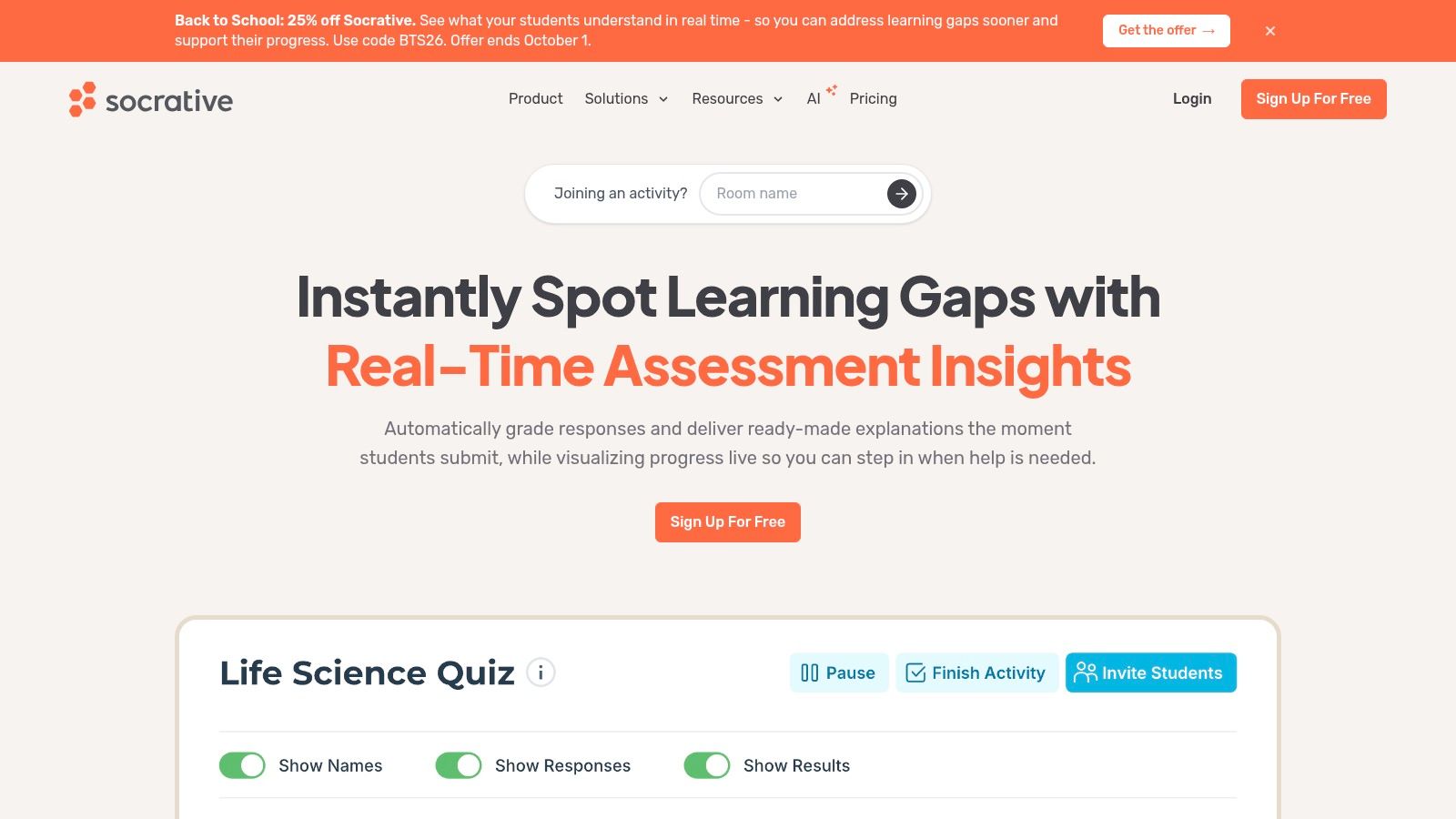
Socrative is designed for fast formative assessment with clean teacher reports. Its multiple-choice, true/false, and short-answer formats are enough for common vocabulary checks, while room-based sessions make it easy to bring a class into the same activity. Automatic grading and immediate feedback let you see misunderstandings during the lesson rather than waiting until the next planning period.
The experience is deliberately less theatrical than a game platform. Students answer, teachers inspect the results, and the class can discuss the terms that caused difficulty. That makes Socrative a strong fit when the purpose is instructional adjustment rather than competition.
Why teachers choose it
Socrative supports live sessions, instructor controls, exports, and reports for result analysis. Its AI features can assist with question generation and report analysis, with quotas depending on the plan. Student access works across devices, which helps when learners use a mixture of school-owned and personal hardware.
The free plan has limits on rooms, quizzes, and report history, and some integrations or single sign-on options are restricted. Those constraints matter if a department wants to preserve results over a long period or coordinate several teachers. Review the current Socrative plans and assessment features before adopting it for shared use.
Socrative's best classroom job is diagnosing vocabulary confusion quickly. It can show that students recognize a synonym but fail to identify the word in a sentence, or that a distractor is attracting many learners. It is less useful when you need elaborate templates, a large community library, or an energetic game layer.
A good teacher response to a weak result isn't just reteaching the definition. Ask students to compare the correct word with the most attractive distractor, then use the distinction in a new sentence.
9. Quizalize
Quizalize is the specialist choice when the job is tracking vocabulary mastery and assigning follow-up instruction. Its Mastery Dashboard connects questions to skills or standards over time, so the teacher can look beyond a single score. That distinction matters for vocabulary because a learner may answer a definition item correctly today but still need support using the word in context later.
The platform combines multiple-choice and true/false questions with differentiation rules. Results can trigger follow-up activities, and Google Classroom integration helps fit the process into an existing assignment workflow. The game-style presentation keeps the experience more engaging than a plain form without making the dashboard secondary.
Best for follow-up
Quizalize is valuable when teachers need to answer a practical question: Which students need another experience with this word, and what should happen next? A vocabulary objective can be associated with a set of items, then used to guide targeted practice rather than a generic whole-class reteach.
The mastery view is more useful when the underlying items are well designed. If every question tests isolated definitions, the dashboard may create a precise record of narrow recognition while saying little about comprehension or usage. Build a mixture of stems, including context, synonym distinctions, and meaning changes across sentences.
Pricing for individual teachers isn't always listed publicly, and the public question library can be smaller than the libraries associated with Quizlet or Quizizz in some subjects. Schools may need to request a quote. Explore the current Quizalize platform if your priority is standards-linked progress and differentiated next steps, not just rapid quiz creation.
Use the dashboard as a planning signal, not a final label. Combine quiz results with student writing, discussion, and reading evidence before deciding that a word has been mastered.
10. Testmoz
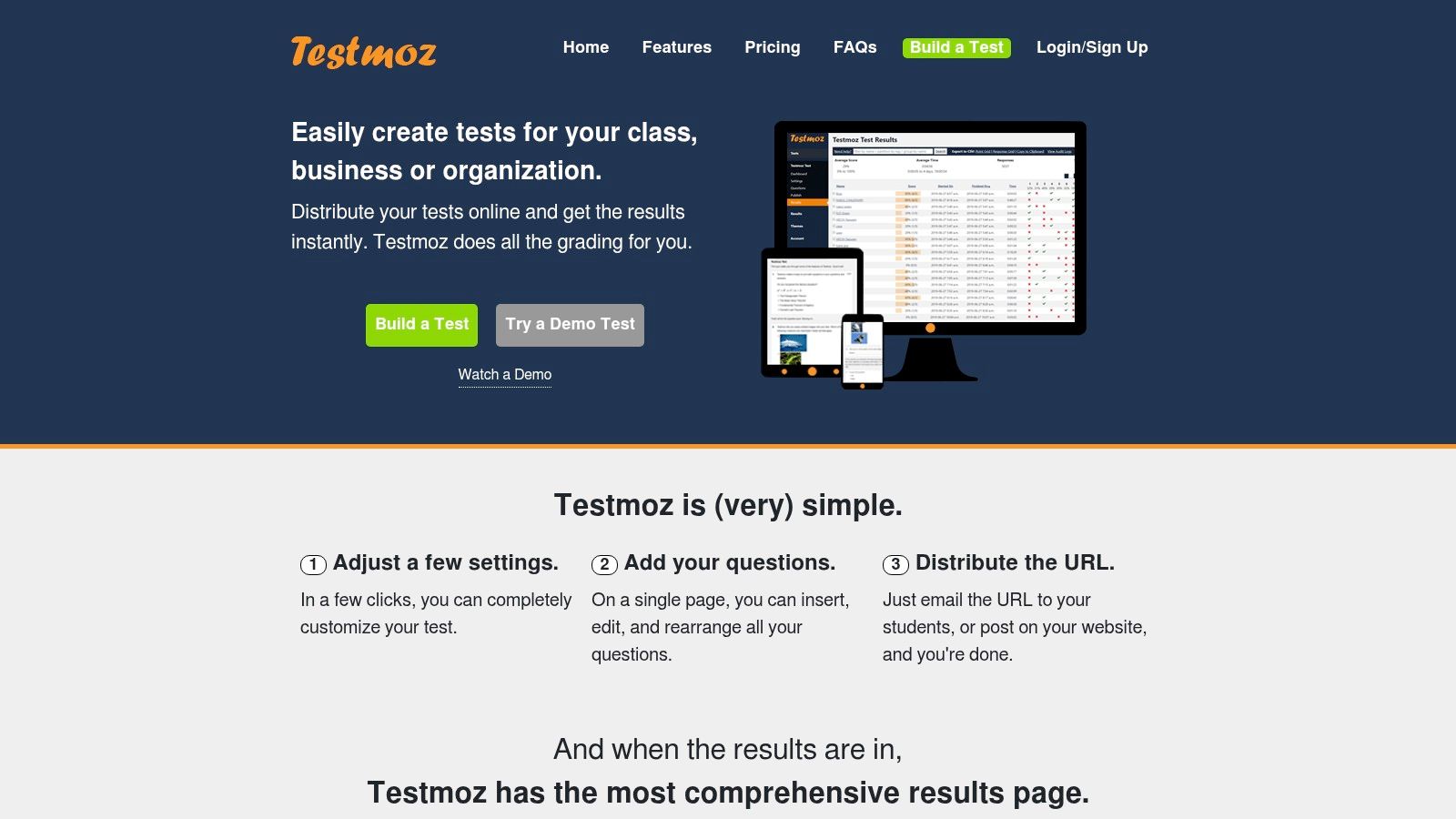
Testmoz is a good match for the teacher who needs a dependable digital quiz on older devices or a constrained network. It keeps the experience minimalist, with core question types, automatic grading, instant scoring, and simple analytics. There are fewer distractions, fewer design decisions, and less to learn before the first vocabulary check goes live.
That simplicity can be a real classroom advantage. Students don't need to work through a game interface, and teachers can create a multiple-choice assessment without building a complex course or importing a large bank. The paid plan offers unlimited tests, questions, and results, while the service is positioned as an inexpensive option for individual teachers.
The low-bandwidth trade-off
Testmoz is especially useful when access reliability outranks visual engagement. It works well on older devices and low-bandwidth connections, so it can serve classrooms where richer platforms load slowly or where students share equipment. The privacy-focused, no-frills approach also makes it suitable for a quick check that doesn't require a broad social layer.
The downside is equally clear. Testmoz has fewer gamified features, templates, and design controls than Kahoot!, Quizizz, or Wordwall. Its analytics are basic, so it won't replace a mastery dashboard when you need standards-level follow-up. Check the current Testmoz quiz generator for plan and educator details before selecting it for a larger deployment.
Choose it for reliable, straightforward assessment, particularly where connectivity is the constraint. Don't choose it because you expect AI to write advanced vocabulary items or the platform to suggest differentiated remediation. Those decisions remain with the teacher.
Top 10 Multiple-Choice Vocabulary Quiz Makers, Feature Comparison
| Tool | Core features | Integration & workflow | Best for / Target audience | Price / limits | Unique advantage |
|---|---|---|---|---|---|
| **Multiple Choice Quiz | Teacher Planner** | AI-generated MCQs + automatic answer key; printable templates | Built into lesson planner; save to resources; drop into day/week/month plans | Free to try after sign-in (usage limits); Pro/Lifetime remove limits | Tight lesson-plan integration and printable sub‑plans |
| Quizlet | Auto-generate MC/TF/written from flashcards; author sets | Large community library; import/export flashcard sets | Vocabulary study, self-study, classroom practice | Free; Quizlet Plus adds authoring/tracking (free for verified teachers) | Massive community content for fast quiz creation |
| Kahoot! | Live & self-paced MCQs; AI quiz generator; varied question types | Play live or assign; broad device support | High-engagement live review and class games | Free basic; paid for advanced AI and features | Highly engaging, game-based classroom delivery |
| Quizizz | MCQs with rich media; Paper Mode; pacing modes | Library import, templates, live/student-paced modes | Flexible checks, homework, and paper-based quizzes | Free basic; premium tiers for advanced content | Paper Mode + flexible pacing for varied classrooms |
| Wordwall | Quiz template; convert activities across many formats; print | Public activity library; easy print/export | Fast printable activities and classroom warm-ups | Limited free plan; paid for more activities | Quick conversion across 30+ activity templates |
| Google Forms (Quizzes) | Auto-grading for choice items; partial credit & feedback | Integrates with Sheets & Classroom; Gemini assist where available | Lightweight, data-exportable vocabulary checks | Free; Gemini assist depends on Workspace rollout | Ubiquity and seamless data export to Sheets/Classroom |
| Microsoft Forms | Auto-grading, branching logic, insights | Seamless M365 export to Excel/Power BI; Copilot support | Schools using Microsoft 365; structured quizzes with branching | Included in M365; Copilot generation requires license | Enterprise exports and BI-ready results |
| Socrative | Room-based live quizzes; auto-grading; reports | Instructor pacing and rosters; report exports | Fast formative checks with instant feedback | Free student access; paid plans for extended history/features | Reliable live sessions with clean reporting |
| Quizalize | MCQs + Mastery Dashboard; differentiation rules | Google Classroom integration; skill tracking over time | Standards-based mastery tracking and remediation | Pricing often school-quoted; teacher plans vary | Mastery dashboard for standards tracking |
| Testmoz | Minimalist MCQs; auto-grading; simple analytics | Lightweight; works on older devices/low bandwidth | Low-cost, no-frills quizzes for individual teachers | Very low-cost paid plan removes limits | Minimal, privacy-focused, and highly reliable |
Build Better Vocabulary Quizzes, Not Just Faster Ones
The right tool follows the teaching job. Choose Teacher Planner when you want an editable draft, answer key, lesson-plan connection, and printable material. Choose Kahoot! for energetic live review, Quizizz when you need live, assigned, or paper delivery, and Google Forms or Microsoft Forms for straightforward grading and exports. Use Quizalize when mastery tracking and differentiated follow-up drive the workflow, Socrative when rapid formative diagnosis matters, and Testmoz when older devices or low bandwidth rule out heavier platforms. Quizlet is strongest for study-set practice, while Wordwall excels at converting vocabulary content into reusable interactive and printable activities.
The platform won't rescue a weak item. Start with one precise stem and one defensible correct answer. Write distractors that are plausible because they represent a common confusion, related meaning, incorrect word form, or contextually tempting choice. They should be clearly wrong after instruction, but not so unrelated that students can answer without knowing the target word.
Improve the questions before assigning them
Review every generated item for four things:
- Definition accuracy: Make sure the explanation matches the meaning taught in your lesson, especially for words with multiple senses.
- Context quality: Use a sentence that gives enough information to infer meaning without giving away the answer through an obvious phrase.
- Difficulty progression: Begin with recognition, move to distinctions among related meanings, and then ask students to apply the word in context.
- Option fairness: Avoid grammatical clues, uneven answer lengths, repeated wording, and distractors that are absurd rather than plausible.
Retrieval practice becomes more useful when it recurs. Instead of creating one vocabulary quiz and filing it away, reuse selected words in later checks, mix recently taught terms with older ones, and change the context. Teacher-facing guidance on AI retrieval practice emphasizes repeated, spaced review and interleaving rather than one-off assessment (Structural Learning's retrieval-practice guidance). Independent user testing of an AI quiz-generation workflow also found strong ease-of-use acceptance, with six of eight participants rating it “very easy to use,” while comparisons with manually created quizzes were split between “slightly better” and “about the same” (the Tampere University study). The practical implication is that AI helps most when it reduces editing effort while leaving the teacher in control.
Before assigning anything, test the student link, open the quiz on the device students will use, and inspect the print layout if paper delivery is part of the plan. Afterward, study which distractors attracted learners. A wrong answer can reveal a misconception, but it can also reveal an ambiguous stem or a poorly designed option. Use the result to reteach the difference between words, then ask students to apply those words in speaking or writing. A quiz score is evidence, not the whole picture of vocabulary learning.
Teacher Planner combines browser-based lesson planning with AI tools for lesson plans, worksheets, multiple-choice quizzes, adapted texts, and writing feedback. Its quiz generator is designed for editable vocabulary drafts, answer keys, resource saving, and print-ready classroom materials, so you can move from objective to usable handout without rebuilding the workflow elsewhere. Visit Teacher Planner to prepare your next vocabulary check alongside the lesson it supports.