
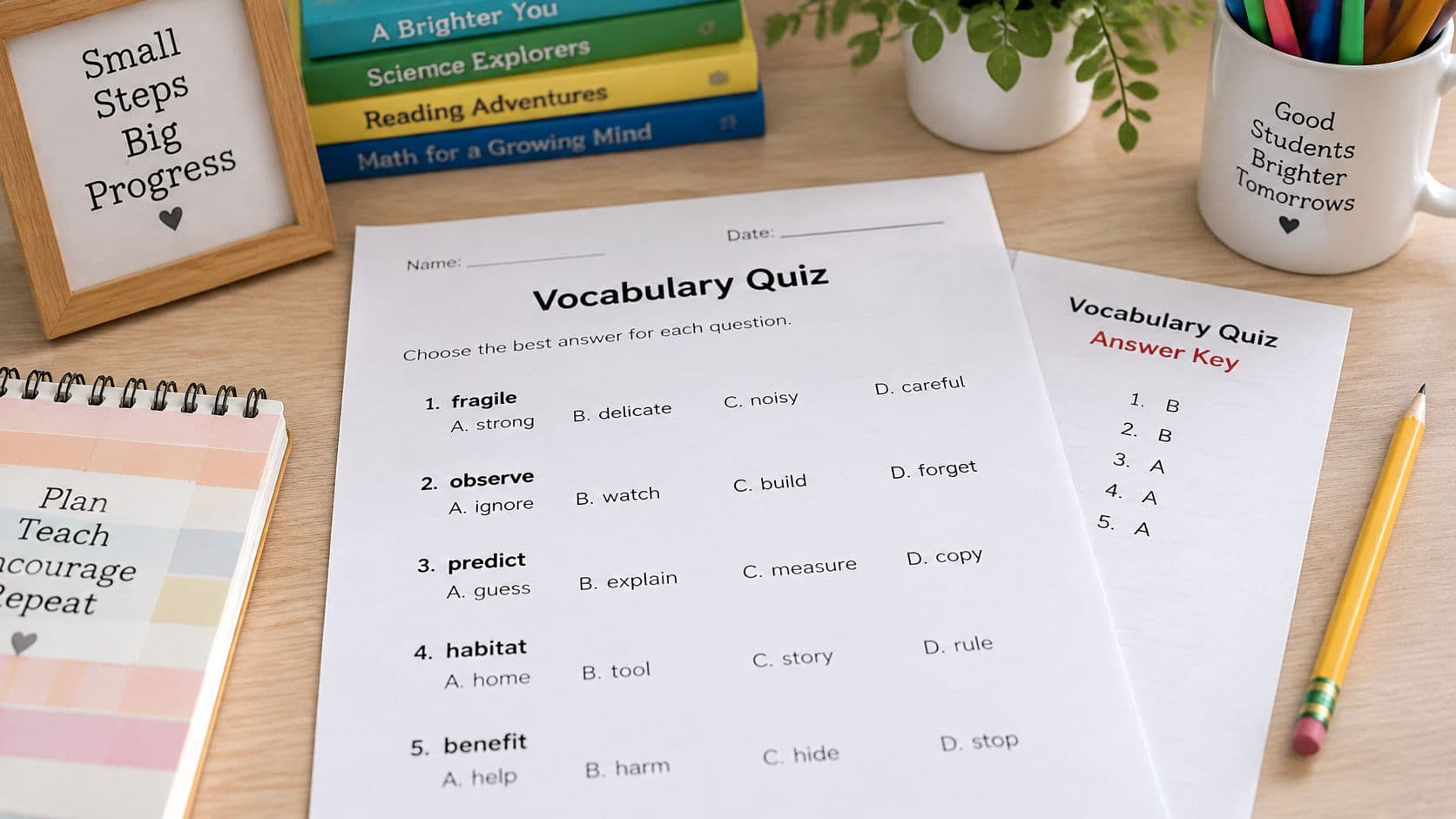
The next class is approaching, and this week's word list still needs to become a handout. To make a vocabulary quiz from a word list, a teacher settles on one student-friendly meaning for each word, builds questions around those meanings, and checks a separate answer key before printing. The finished result below provides a grade-4 student quiz and teacher key, followed by a practical workflow for making the same kind of checked quiz from a class list.
A Finished Grade 4 Quiz from Eight Words
This illustrative classroom example uses eight words: reluctant, fragile, abundant, observe, compare, predict, conserve, and adapt. It isn't an actual tool run or a tested classroom result.
The student page checks definition recognition. It doesn't establish whether students can use every word independently in speaking or writing.
Printable Student Page
Grade 4 Vocabulary Quiz
Name ______________________________ Date __________________
Directions: Circle the letter of the best meaning for each word.
1. Reluctant means:
A. very quick to act
B. not wanting to do something
C. loud and busy
D. willing to share
2. Fragile means:
A. hard to bend
B. full of color
C. easy to lose
D. easy to break
3. Abundant means:
A. more than enough
B. almost gone
C. very quiet
D. hard to spell
4. Observe means:
A. to skip over quickly
B. to tell a story
C. to watch carefully
D. to build something
5. Compare means:
A. to hide from others
B. to look at how things are alike or different
C. to count money
D. to finish a race
6. Predict means:
A. to say what is likely to happen
B. to remember the past
C. to decide the rules
D. to clean up
7. Conserve means:
A. to use more
B. to throw away
C. to paint over
D. to use less so something lasts
8. Adapt means:
A. to stay exactly the same
B. to break into pieces
C. to change so you fit a new situation
D. to ask for help
Separate Teacher Answer Key
Teacher page only. A page break belongs before this heading when preparing the handout.
| Question | Answer | Reviewed classroom meaning |
|---|---|---|
| 1 | B | not wanting to do something |
| 2 | D | easy to break |
| 3 | A | more than enough |
| 4 | C | to watch carefully |
| 5 | B | to look at how things are alike or different |
| 6 | A | to say what is likely to happen |
| 7 | D | to use less so something lasts |
| 8 | C | to change so someone or something fits a new situation |
Each key matches the classroom meaning selected for this example. The answer positions are balanced, but several distractors are deliberately simple. A teacher may need to replace them with closer, still clearly incorrect alternatives for a class that already knows the words well.
Grade 4 Word List, Meanings and Keys
This planning table belongs in the teacher's notes, not on the student page. It records the input list and the meaning each question should assess.
| Word | Reviewed meaning | Answer position |
|---|---|---|
| reluctant | not wanting to do something | B |
| fragile | easy to break | D |
| abundant | more than enough | A |
| observe | to watch carefully | C |
| compare | to look at likenesses and differences | B |
| predict | to say what is likely to happen | A |
| conserve | to use less so something lasts | D |
| adapt | to change so you fit a new situation | C |
Practical rule: The teacher's meaning table is the reference for checking the quiz. A polished question still needs revision if it tests a different meaning.
Turn the Word List into a Quiz
The public Vocabulary Quiz Maker supports word-list vocabulary assessment. Its workflow follows Input > Review > Quiz, with questions built from the definitions the teacher reviews.

Follow the Public Word-List Workflow
-
On Input, enter the words and grade. For the illustrative quiz, the input is the eight-word list above and grade 4. Before generation, the teacher removes accidental duplicates and checks spelling, especially when the list was copied from lesson notes.
-
Choose Generate Definitions. A free sign-in is required for generation, and daily limits apply. This step produces definitions for review rather than a classroom-ready assessment.
-
On Review, read and edit each definition. The teacher checks the target meaning, part of speech, and wording. For example, observe should mean watching carefully in this list, rather than following a rule or celebrating an occasion.
-
Choose an available quiz format, then create the quiz. The teacher uses the format controls presented on the screen. A format name shouldn't be assumed from another tool or a different generator.
-
Review the questions and key, then use the available copy, download, or print actions. The teacher reads the finished student version as well as the answer key. A correct definition can still lead to an awkward question, a weak distractor, or a mismatched answer letter.
The review stage matters because later questions rely on the meanings accepted there. If a definition is wrong for the lesson, changing an answer letter won't repair the underlying problem.
Keep the Input Focused
A useful input list contains the words taught, not every unfamiliar word in the reading. When a word has several senses, the teacher keeps the lesson's intended sense beside the list in planning notes.
For example, adapt in a science unit might describe changing to manage a new situation. A question about adapting a story for a play would use the same spelling but assess a different classroom target.
A generated definition is a proposed wording, not a decision about what the class was taught.
For questions organized around a topic or standard rather than a word list, the general quiz generator provides a different workflow. The public word-list demo shouldn't be treated as a passage-upload or reading-comprehension workflow.
Build and Check Each Item
The most useful review question is simple: Does this item test the meaning taught in class? The teacher should answer that before judging whether the wording sounds polished.

Check Meaning Before Answer Letters
For adapt, the target is changing to fit a new situation. Adding a detail isn't an equivalent definition, and asking for help might be a response to change without being the meaning of adapt.
A teacher can cover the answer choices and read the stem alone. Adapt means: clearly requests a definition. A contextual stem would need enough information to identify the intended sense without making another reasonable interpretation possible.
The fragile item illustrates a defensible distinction. An object can be hard to bend yet easy to break, so hard to bend isn't another way to say fragile. The key, easy to break, directly matches the reviewed meaning.
A different draft would be unfair if it offered both easy to break and easily damaged. Both could reasonably describe something fragile. That item needs a replacement distractor, not an explanation after students have answered.
Remove Shortcuts That Don't Require Vocabulary
The sample's conserve question has a clear key, but to paint over is a weak distractor because it's unrelated to the likely confusion. A stronger revision could offer:
- A. to use supplies carelessly
- B. to replace supplies after use
- C. to collect supplies for sorting
- D. to use supplies carefully to avoid waste
These choices use similar grammatical forms and focus on actions involving supplies. The teacher still needs to check that the revised key fits the lesson's examples of conserving water, energy, or materials.
The compare item also deserves attention. Its correct choice is noticeably longer than the others. A revised set could contrast find likenesses and differences with put events in time order, explain why something happened, and tell what might happen next.
Multiple-choice item-writing guidance from the American College of Surgeons recommends no more than four options with one best answer and advises against all-of-the-above, none-of-the-above, and true/false formats. For this quiz, straightforward definition choices keep the task clear.
Item Clues to Remove Before Printing
| Clue | Why it fails | Revision |
|---|---|---|
| Correct choice much longer | Students pick length, not meaning | Shorten the key to match the other choices |
| Grammar does not fit the stem | The choice can be eliminated without vocabulary | Rewrite every choice in the same form |
| One silly option | The item becomes a three-choice guess | Replace it with a likely confusion |
| Same letter is always correct | Position can be memorized | Spread keys across A, B, C and D |
| Definition repeats another item | One question answers another | Give each word its own meaning |
The multiple-choice question design guide offers further help with stems and distractors. For grade 4, familiar language and direct wording are more useful than trick negatives or elaborate sentences.
That matters especially for multilingual learners and students whose reading fluency is still developing. The surrounding language shouldn't be harder than the vocabulary being assessed.
Run the Final Print Check
Recognition questions establish whether students can identify a meaning. When independent use matters, a teacher can add a separate classroom prompt, such as asking students to explain how a school could conserve water.
Before printing, the teacher checks:
- Meaning and wording: Every item matches the taught sense and uses grade-appropriate language.
- Clues and choices: Context is clear, definitions aren't duplicated or ambiguous, and distractors are plausible.
- Answer positions: Keys are varied, with no predictable letter pattern.
- Key separation: The teacher key starts on a separate page and matches the final edited version.
- Readable layout: Type is comfortably readable, answer choices stay with their question, and the student page contains no answers.
If two choices could both be right, the item isn't ready to print.
Reuse the Same List Next Week
A checked word list is worth keeping. The teacher can save the list, edited definitions, and final key together in lesson notes or a saved resource, then bring selected words back for another short review.
Keep the Meanings, Change the Task
The next version shouldn't merely repeat the same answer-letter pattern. A teacher can change sentence contexts, reorder choices, and retain words that students missed while setting aside words they used accurately.
- Retain difficult words: Missed items stay in the review set after the teacher checks whether the problem was word knowledge or confusing wording.
- Change the context: Conserve might move from a question about water to a sentence about classroom supplies.
- Check use separately: During the lesson, selected students can use predict and observe in original sentences.
A later quiz may remain recognition-only. The sentence activity is a teacher-added learning check, not a promise that the public demo automatically supplies another item type.
Place the Review in the Lesson
Saving or copying a quiz doesn't insert it into the planbook automatically. The teacher places the review activity in the relevant lesson while planning; the quiz tool's print action is separate from printing the planbook.
Pairing the review with the week's reading gives students another reason to use the words. The vocabulary worksheet preparation guide can help when the next activity calls for practice rather than another scored quiz.
Make a Quiz from Your Own List
A manageable starting point is a set like the eight-word example, selected because the words matter in the current reading or unit. The teacher settles the meanings before building the student page, rather than trying to correct the assessment around uncertain definitions.
The same method works for language classes. A German teacher could use German vocabulary basics from GCA, from German Cultural Association Hong Kong (GCA), as a starting resource, then select only words already introduced in class and check the meanings against the lesson.
Keep the Final Decision With the Teacher
- Choose relevant words: The list should reflect the actual lesson, not just fill a page.
- Approve the meanings: Each definition should express the intended classroom sense.
- Finish the handout: The student page and separate key should pass the review checklist before distribution.
The useful outcome isn't merely a generated document. It's a quiz whose questions, choices, and answers agree with what students had an opportunity to learn.
The Vocabulary Quiz Maker provides a starting point for the teacher's own list and grade, with definitions reviewed before quiz creation. The result remains a draft until the teacher approves its meanings, distractors, and key.
Teacher Planner offers a browser-based planbook and drafting tools for classroom materials, including word-list vocabulary quizzes. A teacher preparing this week's assessment can visit Teacher Planner, enter the class list and grade, review the definitions, and copy, download, or print the checked quiz.