
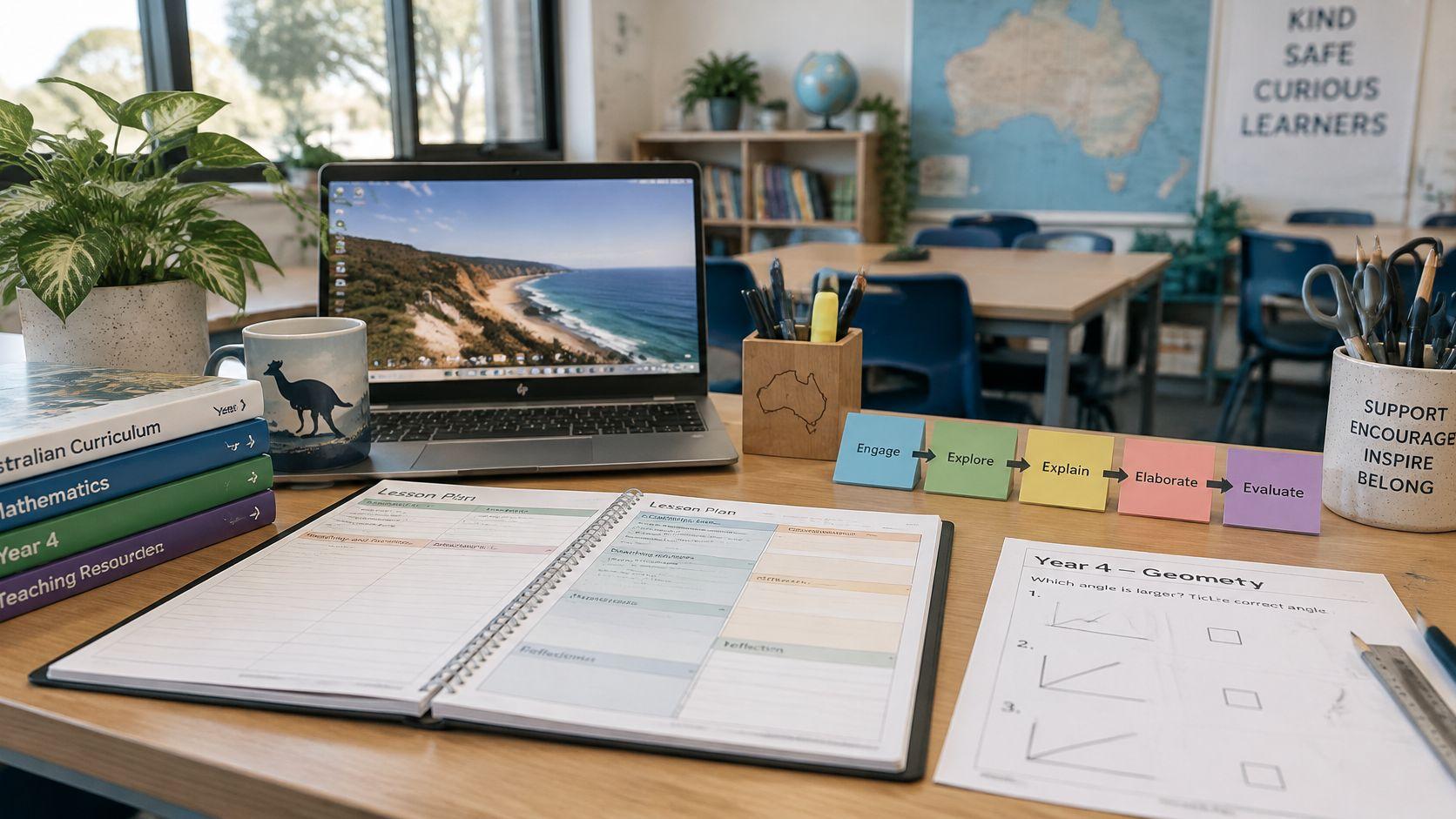
The next mathematics lesson is due, the angle cards are ready, and an assembly has displaced the lesson students needed first. A useful lesson plan template for Australia should make that problem visible before teaching starts. It needs to connect the achievement standard, content description, learning intention, success criteria, assessment evidence, and next-lesson decision in one repeatable record. The worked template below shows what belongs in each field and how a teacher can use it without turning planning into another paperwork task.
Lesson Plan Template Fields and Curriculum Links
An Australian lesson plan template is a record of intended learning, teaching decisions, and evidence, not just a list of activities. Each lesson needs a curriculum reference, a clear purpose, and a place in the unit sequence. The template should also leave enough information for another teacher to teach the lesson and recognize whether students are ready to continue.
Lesson plan template fields and what to record
The entries below form an illustrative Year 4 Mathematics example, not a verified curriculum extract or a record of a real class. The curriculum wording is shortened to demonstrate the fields; a classroom-ready version needs the exact code, description, and relevant achievement-standard wording copied from the official website.
| Field | What to record | Illustrative entry |
|---|---|---|
| Year level and learning area | Year level, subject, and class group | Year 4 Mathematics, Class 4B |
| Content description | Curriculum code and description, copied from the official Australian Curriculum website | Compare angles |
| Achievement standard link | The standard the lesson contributes to | Students classify and justify angle comparisons |
| Learning intention | One student-friendly sentence starting with I can | I can compare angles and explain which is larger |
| Success criteria | Two or three observable checks | I name the angle type and justify it by comparing with a right angle |
| Prerequisite knowledge | What students must already know | Identifies right angles and uses a set square |
| Sequence position | Lesson number in the unit and the next step | Lesson 3 of 6; next lesson measures angles with a protractor |
| Activities and differentiation | Teaching, practice, and planned adjustments | Visual angle cards and sentence starters for support; extension angles for early finishers |
| Assessment evidence and resources | Exit check, evidence to keep, and files used | Three-question exit slip; angle cards printed for the class |
| AI use and teacher review | Whether a draft was AI-assisted and who checked it | AI-assisted draft; teacher checked wording and angle values |
Distinguish content from achievement
Content descriptions specify the knowledge, understanding, and skills students are expected to learn, while achievement standards describe the quality of learning typically demonstrated by the end of a year level or band, according to the Australian Curriculum planning, teaching, assessing, and reporting guidance.
These fields do different jobs. The content description identifies what the lesson teaches; the achievement standard helps the teacher decide what a sufficiently developed student response looks like. Copying the same broad sentence into both fields hides that distinction.
A lesson contributes to an achievement standard rather than completing the entire standard. For the angle example, the teacher isolates the relevant comparison and explanation, then identifies what students could reasonably demonstrate during this lesson.
Planning test: An activity belongs in the lesson only when the teacher can explain which learning it develops and what evidence it will produce.
Build the curriculum chain
The planning order matters more than the order of boxes on the page. Once the class details are entered, the teacher can build the connection from expected achievement to evidence.
- Find the achievement standard. Open the official year-level or band page and identify the portion relevant to the intended learning. Keep its wording available while drafting.
- Identify connected content descriptions. Select the content that develops the intended achievement. Copy codes from the website rather than memory, including the curriculum version used by the school.
- Write the learning intention. Translate the selected learning into student language. For the illustrative angle lesson, the focus is comparing angles and explaining the comparison, not completing angle cards.
- Derive observable success criteria. Select the aspects of performance that will matter in this lesson. Naming an angle and justifying its classification require different evidence, so both need attention.
- Plan a formative check. Ask students to classify an unfamiliar angle and explain the decision against a right-angle reference. A correct label without an explanation may conceal guessing.
- Name the evidence to retain. Record whether the teacher will keep an exit slip, an annotated diagram, a photograph of practical work, or an observation note.
For mixed-attainment planning, the curriculum guidance allows teachers to select content from different year levels to match students' current learning. The record should identify the selected year level rather than replacing the class reference.
Make the record usable
The activities field needs enough detail to show modeling, guided practice, and application. In the example, the teacher could model aligning a right-angle reference, guide a comparison using visual cards, and then ask students to justify an unfamiliar example independently.
Resources should be identifiable, not merely listed as worksheet or slides. A file name, storage location, and note about required equipment make preparation and handover more reliable.
Before extending the template across a unit, complete it for a single lesson. The final self-test is straightforward: can the teacher trace the lesson to a content description and an achievement standard, then identify the evidence it will produce?
Writing Learning Intentions Students Can Use
A useful success criterion lets a student judge whether the required evidence is present. Completing a worksheet isn't enough if the teacher needs an explanation of how a mathematical process works. The intention names the learning; the criteria describe what students will show.
Under time pressure, teachers can write directions that sound clear but describe participation rather than learning. The following illustrative Year 2 Mathematics lesson on addition with regrouping shows the difference.
Weak and stronger wording for intentions and criteria
| Element | Weak version | Stronger version |
|---|---|---|
| Learning intention | Practise adding | I can add two two-digit numbers and explain when I need to regroup |
| Success criterion 1 | Gets the answer right | I can show regrouping with place-value blocks or a labelled drawing |
| Success criterion 2 | Understands regrouping | I can check my answer by adding the numbers in the other order |
Choose evidence students can recognize
The stronger intention identifies both the calculation and the explanation. The first criterion makes the regrouping visible; the second asks students to check the calculation. Neither requires the teacher to infer understanding from quiet work or a completed page.
The reverse-order calculation is a check, not a substitute for explaining regrouping. A student could repeat the same error in both orders, so the representation still matters.
- Use observable verbs. Name, show, explain, compare, and check tell students what action is expected. Know and understand leave the evidence unspecified.
- Keep each criterion focused. A criterion that combines a drawing, explanation, calculation, and reflection is difficult to assess clearly.
- Retain the curriculum connection. The teacher should be able to explain how each criterion contributes to the relevant achievement-standard expectation.
A longer list of success criteria doesn't necessarily produce better evidence. It can leave students completing checks without understanding which learning matters most.
For this illustrative lesson, place-value blocks, a partially prepared drawing, or oral rehearsal can support students without changing the intended evidence. A student who uses blocks still needs to show the regrouping rather than merely produce an answer.
If the exit task can't capture all the proposed criteria, the teacher should cut the list to the most important checks. The final wording test is whether a student could explain, in their own words, what they will show and how they will know the work is complete.
Sequencing Lessons Across a Unit Without Gaps
Begin with the unit outcome, then work backward to the knowledge students need before producing it. A unit timeline shows the overall progression, while each lesson-level record captures the prerequisite, intended product, and next step. The Strong Beginnings teacher-education report describes coherent planning in terms of curriculum-aligned objectives, demonstrations of mastery, progression, and the curriculum knowledge students need to advance.

Follow the student products
In an illustrative Year 6 persuasive-writing unit, the final product is a published argument and presentation. Before publishing, students need a revised draft; before revising, they need a claim supported by reasons. That backward check determines the earlier teaching.
The planning workflow is to map the outcome, order prerequisites, write an observable objective for each lesson, and specify the student product. Activities and adjustments come after those decisions.
Lesson sequence record for the Year 6 persuasive writing unit
| Lesson | Student product | Prerequisite to check | Next step |
|---|---|---|---|
| 1. Identify claims and evidence | Labelled list of claims and supporting evidence | Students know what a claim is | Lesson 2 analyzes model texts |
| 2. Analyze model texts | Annotated model text showing claims, reasons, and evidence | Claim-and-evidence list from Lesson 1 | Lesson 3 drafts a claim with reasons |
| 3. Draft a claim and reasons | Paragraph with one claim and two reasons | Reasons taught in Lesson 1 or 2; if not, add the step before this lesson | Lesson 4 revises for audience and cohesion |
| 4. Revise for audience and cohesion | Revised draft with a cohesion checklist | Lesson 3 draft | Lesson 5 publishes and presents |
| 5. Publish and present | Published piece and short presentation | Revised draft from Lesson 4 | Unit review record |
The opening lesson produces material students can use when analyzing the model text. The model-text annotations then become a reference for drafting, rather than a separate exercise that disappears into a workbook.
Locate the missing teaching
The vulnerable point is the move into drafting reasons. If the earlier lessons only identify claims and evidence, students may not have learned how a reason supports a claim or how evidence supports that reason. The teacher should add explicit modeling before assigning the paragraph.
The Australian Curriculum unit plan template can hold the broader curriculum and assessment decisions while these lesson records capture the teaching dependencies.
A final read-through should follow the sequence from top to bottom. Every row should name what students need before starting and what they will produce before continuing. If a prerequisite appears without earlier teaching or a deliberate diagnostic check, the sequence needs revision.
Using Exit Checks to Decide the Next Lesson
An exit check is a brief task or small set of questions matched directly to the success criteria. Its purpose isn't to produce a score. The teacher needs evidence that supports a decision about proceeding, reteaching, extending, or recovering missed learning.
The Australian Government's curriculum guidance distinguishes national curriculum expectations from implementation decisions made by state, territory, and non-government authorities. The lesson record therefore needs to connect curriculum expectations with the school's assessment and reporting practices, rather than treat the national curriculum as a daily teaching script.

Collect evidence that answers the objective
Consider an illustrative erosion lesson in which students explain how erosion changes a landform. Students observe images, examine a modeled process, investigate, and produce an annotated diagram. The teacher assesses the diagram for accuracy, scientific vocabulary, and causal explanation, then records who needs reteaching or extension, consistent with the curriculum-assessment connection described in the Action Now classroom-ready teachers report.
An attractive diagram with labels doesn't necessarily explain a process. The exit prompt should require students to explain what moved, what caused the movement, and how the landform changed.
Exit check results and next-lesson decisions
These are illustrative planning rules, not prescribed assessment thresholds.
| Exit check result | Decision for next lesson | Record in the plan |
|---|---|---|
| Most students meet all criteria | Move on and add an extension task for early finishers | Date, number meeting criteria, extension used |
| A shared misconception appears | Reteach the prerequisite in the first ten minutes | Misconception named and reteach timing |
| Fewer than half meet criteria | Revisit the prerequisite with a small group and shorten the next main task | Group members and changed sequence |
| Students absent | Assign a recovery task and note the missing evidence | Recovery task and due date |
The first column identifies the evidence, the second sets the response, and the third preserves the decision for the teacher or a colleague. If the misconception is widespread, the teacher should use whole-class reteaching rather than force a small-group arrangement.
Prepare the decision before teaching
A quiz generator can draft standards-based questions for an exit check, but the teacher must review every question for accuracy, difficulty, and whether it samples the intended learning. The guide to creating multiple-choice quizzes online supports that preparation task.
For teachers choosing a question-drafting workflow, Zemith's guide can help compare quiz tools for classrooms. The decisive consideration remains whether the questions produce usable evidence, not whether they are easy to generate.
Set the response rule before teaching. That makes the follow-up a considered instructional decision rather than an improvised reaction to a pile of exit slips.
Differentiation and Disruption Plans for Real Classrooms
A workable lesson record anticipates mixed readiness, missing students, and shifted lessons. These situations require different responses. A support adjustment changes access to the learning; a cancellation changes the schedule; an absence creates an evidence gap.
Mixed readiness without losing the learning
Write the core learning intention once, then specify materials and support for each version. In an illustrative reading task, students could use texts at different reading levels while identifying the same claim and supporting evidence. Sentence starters can support explanations, visual cards can clarify vocabulary, and an extension question can ask early finishers to evaluate the strength of the evidence.
The guide to differentiating instruction offers further approaches for adapting classroom tasks. Within the lesson record, adjustments need to be concrete enough that a colleague could prepare them.
- Likely misconception. For the angle lesson, students may judge an angle by the length of its arms rather than the opening.
- Accessibility adjustment. Record larger print, extra time, accessible diagrams, or a scribe where appropriate.
- Extension. Ask students to explain why changing arm length doesn't change the angle.
The shared criteria remain appropriate when students are working toward the same intended learning. Where an individualized plan specifies a different learning goal, the record should make that distinction explicit.
Shifted lessons and relief-teacher handover
When an assembly removes a lesson, check what later lessons depend on before changing dates. A protractor lesson may need to wait if students haven't yet learned to compare angles against a right-angle reference. Moving the calendar entry alone doesn't address that dependency.
Teacher Planner's Bump Forward moves affected lessons while keeping subsequent lessons in order. The teacher still needs to check prerequisites before accepting the revised dates.
Handover note: Record the lesson number and purpose, where materials are stored, what work to collect, and which students need a check-in.
Recovery after absence
An absent student needs a task that restores the missing prerequisite, not automatically every activity completed during the lesson. For the angle example, that could mean classifying visual cards and explaining a comparison before joining the next practical task.
Record the recovery task, due date, and evidence still needed. The next-lesson decision should state whether the student can participate with support or needs the prerequisite taught first.
Review Your Template and Adapt It for Your Next Unit
A template is ready when another teacher can identify the learning, find the materials, and interpret the evidence without reconstructing the lesson. More fields aren't automatically better. A field earns its place when it supports preparation, instruction, assessment, or handover. If a different layout would suit your unit better, the roundup of lesson planning templates compares other formats you can adapt.
Run the review checklist
- Curriculum references match. Codes and descriptions were copied from the official website and match the intended year level or clearly recorded adjustment.
- Students can use the wording. The learning intention and success criteria describe recognizable learning and evidence.
- Dependencies are visible. The sequence position and prerequisite are named.
- Adjustments preserve the intended evidence. Differentiated versions retain shared criteria when students have the same learning goal.
- Follow-up is planned. The exit check and next-step decision rule are recorded.
- AI drafts have been reviewed. Accuracy, answers, difficulty, wording, and bias have been checked.
- Prompts protect privacy. No identifying student information was entered into an AI prompt.

Test before expanding
Copy the template for a unit, complete a lesson, and test it with a class before filling every remaining record. After teaching, revise fields that caused confusion: an unclear resource reference, a criterion that couldn't be observed, or an exit task that didn't support the planned decision.
Teacher Planner is one option for maintaining this workflow. Its Lesson Plan Generator drafts a plan from a topic, learning objectives, or standards; the teacher reviews and edits the draft before placing the approved content in the planbook. Generation requires a free account, and daily limits apply.
AI-generated content remains a draft and can't replace professional judgment. Planbooks, imported timetables, and lessons are saved to the teacher's account and available across devices, allowing the reviewed record to remain accessible during preparation and teaching.
The useful endpoint is a reusable record with clear decisions, not a perfectly filled page. The next unit should retain fields that helped teaching and simplify those that only repeated information.
Teacher Planner combines a browser-based planbook with editable lesson and material drafts, helping teachers keep preparation connected to an ordered teaching sequence. Visit Teacher Planner to organize a unit and use this template to complete its first lesson record.